
Thumbnailsyoutubegrowththumbnailssubscribers
From 0 to 100K Subscribers: Thumbnail Strategies That Actually Work
A practical roadmap for small YouTubers to grow through strategic thumbnail optimization. Learn the exact thumbnail evolution from 0 to 100K subscribers.
Mike Codeur•January 25, 2026•11 min•
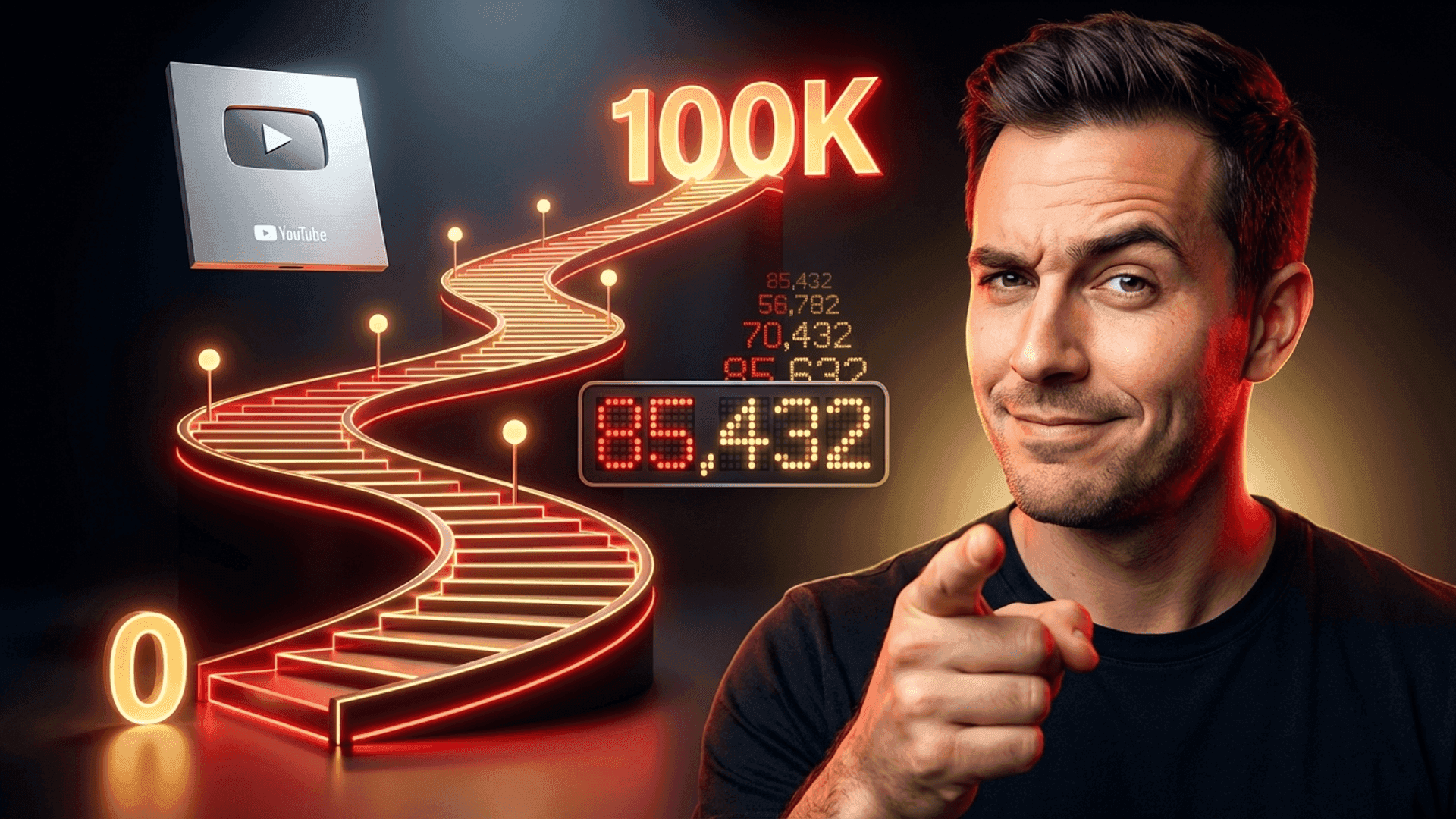
From 0 to 100K Subscribers: Thumbnail Strategies That Actually Work
Getting to 100K subscribers isn't about going viral once. It's about consistent execution of proven strategies—and thumbnails are your highest-leverage growth tool. This guide provides a practical roadmap for small creators, broken down by growth stage. Each phase requires different thumbnail tactics.Why Thumbnails Matter More for Small Channels
Here's a truth most creators miss: thumbnails matter MORE when you're small, not less. Why?- You have no brand recognition yet
- Every impression counts (you get fewer of them)
- The algorithm tests your content on small audiences first
- Your thumbnail CTR directly determines whether you scale
The Math: A 50% improvement in CTR at 10K impressions = 5,000 more views.
Those views compound into subscribers, watch time, and algorithmic momentum.
The 4 Stages of Thumbnail Evolution
Your thumbnail strategy should evolve as your channel grows:| Stage | Subscribers | Primary Goal | Thumbnail Focus |
|---|---|---|---|
| Stage 1 | 0-1K | Find your audience | Testing and learning |
| Stage 2 | 1K-10K | Build consistency | Establish your style |
| Stage 3 | 10K-50K | Scale what works | Optimize and refine |
| Stage 4 | 50K-100K | Professionalize | Premium + brand building |
Stage 1: 0 to 1,000 Subscribers
Your Reality
- Minimal impressions (you're competing for attention)
- No established style or brand
- Every video is an experiment
- Algorithm is still learning about you
Thumbnail Goals
- Maximum experimentation - Try everything
- Find what clicks - Literally, track CTR obsessively
- Study your niche - What works for similar creators?
- Build skills - Learn design basics
Tactical Advice
Here is a first thumbnail from start to finish in YouThumb:Start With Your Niche's Baseline
Don't reinvent the wheel. Find 5-10 successful channels in your niche and document:- Common color schemes
- Text styles and placement
- Face/expression patterns
- Object and prop usage
Common Mistake: Trying to be completely unique at 0 subscribers. Viewers
don't know you yet. Match expectations first, then differentiate.
The 3-2-1 Thumbnail Framework
For each video, create:- 3 thumbnail concepts (different approaches)
- 2 variations of your favorite (color/text tweaks)
- 1 published thumbnail (your best guess)
Tools for Stage 1
At this stage, don't overspend on tools:| Tool | Cost | Use For |
|---|---|---|
| Canva Free | $0 | Basic design |
| Remove.bg Free | $0 | Background removal |
| YouThumb | Freemium | AI-generated variations |
| Your Phone Camera | $0 | Face shots |
Metrics to Track
- Impressions CTR (most important)
- Traffic sources (where are impressions coming from?)
- Average view duration (is your thumbnail misleading?)
Stage 2: 1,000 to 10,000 Subscribers
Your Reality
- You've proven you can grow (even slowly)
- Some videos perform better than others
- You're starting to understand your audience
- The algorithm shows you to more people
Thumbnail Goals
- Establish consistency - Develop a recognizable style
- Double down on winners - Analyze your top performers
- Create a template system - Speed up production
- Start testing systematically - Not random changes
Tactical Advice
Identify Your Thumbnail DNA
Look at your top 5 performing videos. What do their thumbnails have in common? Create a "thumbnail DNA" document:markdown
## My Thumbnail DNA

**Colors that work**: Yellow backgrounds, white text
**Expression**: Surprised/excited (eyebrows raised)
**Text style**: 2-3 words, top left or bottom
**Common elements**: Product in hand, clean background

**What doesn't work**: Busy backgrounds, small text, neutral expressionBuild a Template Library
Create 3-5 reusable templates in Canva or Photoshop:- Tutorial template (face + text + icon)
- Reaction template (face + subject image)
- List template (number + face + context)
- Before/After template (split design)
- Question template (text-heavy with hook)
The 80/20 Thumbnail Rule
- 80% of thumbnails should follow your proven patterns
- 20% should test new elements
1
Analyze
Review your last 20 videos' CTR weekly
2
Identify Patterns
What do top performers have in common?
3
Apply
Use winning patterns for your next 4 videos
4
Test
Use the 5th video to try something new
Metrics to Track
- CTR by video type (tutorials vs. vlogs vs. reviews)
- CTR trends (is your baseline improving?)
- Thumbnail-specific data (what elements correlate with high CTR?)
Stage 3: 10,000 to 50,000 Subscribers
Your Reality
- You have real momentum
- Subscribers recognize your thumbnails
- You're getting suggested video traffic
- Some videos go "mini-viral" in your niche
Thumbnail Goals
- Optimize ruthlessly - Incremental gains compound
- A/B test everything - Use YouTube's native testing
- Update old videos - Resurrect underperformers
- Study cross-niche tactics - What can you borrow?
Tactical Advice
Implement A/B Testing
At this stage, you likely have access to YouTube's Test & Compare feature. Use it for every video:| What to Test | Why |
|---|---|
| Face expression | Highest-impact variable |
| Color variations | Easy to test, clear results |
| Text vs. no text | Sometimes less is more |
| Object placement | Can shift attention |
The Thumbnail Refresh Strategy
Your back catalog is a goldmine. Every month:- Identify 5 videos with high impressions but low CTR
- Create new thumbnails using your current skills
- Swap and monitor for 2 weeks
- Keep the winner, document the learning
Pro Tip: Old videos with new thumbnails get a fresh evaluation period from
the algorithm. This can resurrect "dead" videos.
Cross-Pollinate From Other Niches
What works in gaming might work in tech. What works in beauty might work in fitness. Study thumbnails outside your niche for:- Novel color combinations
- Unique text treatments
- Unexpected compositions
- Psychological triggers you haven't tried
Invest in Better Tools
At this stage, consider upgrading:| Tool | Cost | Benefit |
|---|---|---|
| Canva Pro | $12/month | Brand kit, more templates |
| Photoshop | $20/month | Professional editing |
| YouThumb Pro | Paid | AI optimization, batch generation |
| Light/Camera setup | One-time | Better face shots |
Stage 4: 50,000 to 100,000 Subscribers
Your Reality
- You're approaching full-time creator status
- Your thumbnails are part of your brand
- Competitors study your style
- Every video is an opportunity to go bigger
Thumbnail Goals
- Professionalize everything - Premium quality is expected
- Build brand recognition - Consistency becomes identity
- Experiment with premium tactics - Custom photography, graphics
- Delegate or systematize - Your time is more valuable
Tactical Advice
The Premium Thumbnail Checklist
At this level, every thumbnail should pass this checklist:- High-resolution source images (no visible compression)
- Professional color grading
- Consistent brand colors/style
- Custom text treatment (not default fonts)
- Works at all sizes (mobile, desktop, TV)
- Expression is clear and intentional
- Unique value proposition visible
Build a Thumbnail System
You need a repeatable process:1. Video concept defined →
2. Thumbnail brief created →
3. Multiple concepts designed →
4. Best version selected →
5. A/B variations created →
6. Published + tracked →
7. Insights documented
Consider Delegation
At 50K+, your time per video is too valuable for basic design work:| Option | Cost | Pros | Cons |
|---|---|---|---|
| Freelance designer | $20-50/thumbnail | Professional quality | Management overhead |
| AI tools (YouThumb) | Subscription | Fast, consistent | Requires review |
| Virtual assistant | Hourly | Can do other tasks | Training needed |
Advanced A/B Testing
At this scale, you can run more sophisticated tests:- Multi-video patterns: Test the same change across 5 videos
- Seasonal optimization: Different approaches for different times
- Audience segments: What works for new vs. returning viewers?
- Platform differences: Mobile vs. desktop optimization
Ready to professionalize your thumbnails? Try YouThumb's AI
generator to create and test premium thumbnails at scale.
Common Mistakes at Every Stage
Mistake 1: Copying Exactly
Studying competitors is smart. Copying pixel-for-pixel is not. You'll look derivative and confuse viewers who already follow the original. Fix: Extract principles, apply your personality.Mistake 2: Ignoring Data
Many creators never look at their CTR. They guess what works instead of knowing. Fix: Weekly analytics review. 15 minutes that compound into major insights.Mistake 3: Changing Too Many Variables
When you redesign thumbnails, you often change face, colors, text, and layout simultaneously. You can't learn what made the difference. Fix: Test one element at a time when possible.Mistake 4: Optimizing Before You Have Data
At 0-100 subscribers, you don't have enough impressions for meaningful data. Testing is premature. Fix: Focus on volume and variety first. Optimization comes later.Mistake 5: Neglecting Thumbnail-Title Synergy
Your thumbnail and title work together. A great thumbnail with a weak title (or vice versa) underperforms. Fix: Design them as a unit. The thumbnail shows, the title tells.The 100K Mindset Shift
Here's what separates creators who reach 100K from those who stall:- They treat thumbnails as a skill, not an afterthought
- They're scientific, not superstitious
- They compound knowledge, documenting what works
- They invest appropriately at each stage
- They never stop learning, even when successful
Your Action Plan
If You're at 0-1K
- Create a competitor analysis document
- Make 3 concepts for your next video
- Track CTR for every video
- Set a monthly review reminder
If You're at 1K-10K
- Document your "thumbnail DNA"
- Build 3-5 templates
- Implement the 80/20 rule
- Start weekly CTR reviews
If You're at 10K-50K
- Enable A/B testing for every video
- Create a thumbnail refresh schedule
- Study cross-niche tactics
- Upgrade your tools
If You're at 50K-100K
- Implement the premium checklist
- Build a thumbnail system/process
- Consider delegation options
- Run advanced multi-video tests
Conclusion: The Compound Effect
Growing to 100K subscribers isn't about luck. It's about consistent, strategic effort over time. Thumbnails are your highest-leverage tool because:- They affect every single video
- They're 100% within your control
- Improvements compound across your catalog
- The skills transfer to new content
FAQ
How much time should I spend on thumbnails?
At early stages: 30-60 minutes per video (learning the skill). At later stages: 15-30 minutes per video (using systems). Always prioritize quality over speed.Should I hire a thumbnail designer?
Not until you've learned the basics yourself. Understanding what makes thumbnails work helps you direct designers effectively. Consider hiring after 25-50K subscribers.What if my niche doesn't use faces?
Some niches (animation, gaming, abstract topics) succeed without faces. Study successful channels in your specific niche. The principles (contrast, curiosity, clarity) still apply—just with different elements.How do I know when to change my style?
If your CTR has declined for 10+ consecutive videos, or if competitors have evolved while you've stayed static. Periodic style refreshes (every 6-12 months) keep your channel feeling current.Can AI really make good thumbnails?
In 2026, yes. AI tools like YouThumb can generate competitive thumbnails quickly. They're especially useful for testing multiple variations. Most successful creators use AI as a starting point, then refine.Related Articles

ab-testingthumbnails
A/B Testing YouTube Thumbnails: The Ultimate Guide to 10x Your CTR
Learn how to systematically test your YouTube thumbnails to dramatically improve click-through rates. Step-by-step guide with proven frameworks and real examples.

youtubealgorithm
YouTube Algorithm 2026: How Your Thumbnails Impact Your Reach
Understand how the YouTube algorithm evaluates thumbnails in 2026 and learn to optimize your CTR for maximum visibility and channel growth.

mrbeastthumbnails
How MrBeast Gets 100M+ Views: Thumbnail Secrets Revealed
Discover the exact thumbnail strategies MrBeast uses to dominate YouTube. A complete breakdown of colors, faces, text, and psychology behind his viral thumbnails.