
Newsyouthumbwhats-newgenerationthumbnails
A new page to generate your thumbnails
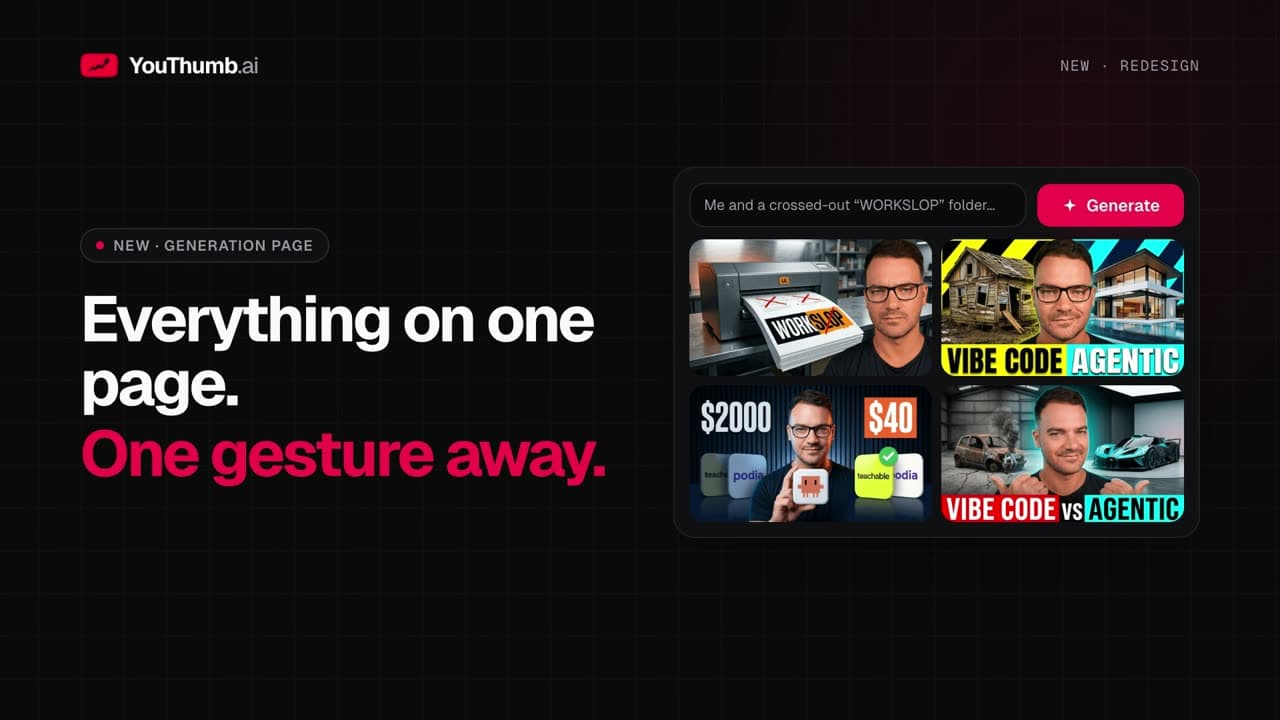
Prompt on top, every attempt below, a result that becomes the source in one click: YouThumb's generation page has been redesigned.
Mike Codeur•October 2, 2026•2 min•
A new page to generate your thumbnails
The generation page has been redesigned around one simple idea: everything happens in the same place. You write, generate, compare and start again from the best result without leaving the page.The composer on top
- The source thumbnail on the left
- The prompt in the center, the largest element on the page
- Options folded away: mode, lighting, title, negative prompt…
- A choice of 1 to 4 variations, then Generate with the cost shown
Every attempt below
Each generation stays listed under the composer, with its prompt, status and images. Large or grid view, Favorites filter: you find any attempt without searching. Full screen browses every thumbnail of every run, with the run's prompt at the bottom of the screen.A result becomes the source
Like a result? Use as source, or drag the tile onto the source thumbnail: it becomes the starting point of the next attempt. Each card also has Reuse this run, Regenerate and Download all.The right method: one variation to validate the idea, then three or four to choose, then iterate from the winner.
Related Articles
youthumbwhats-new
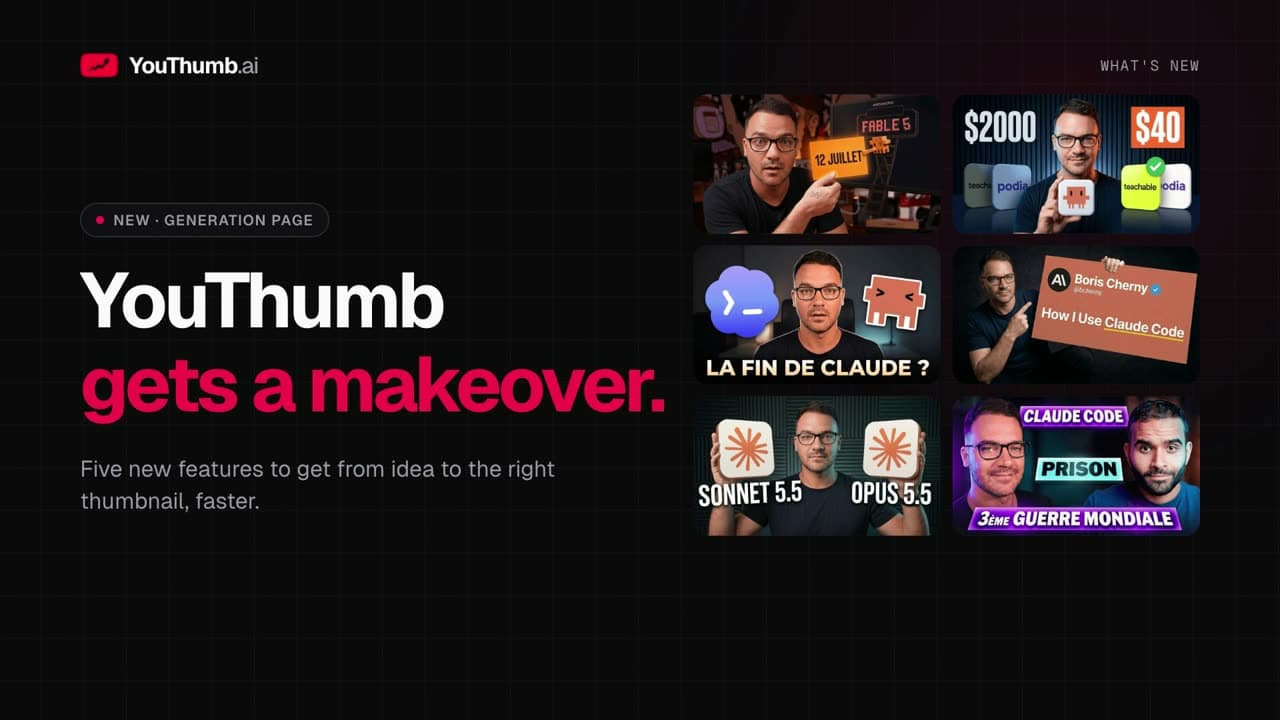
What's new in YouThumb: a redesigned generation page
A redesigned generation page, YouTube import, composition sketch, prompt improvement and side-by-side comparison: the new features in 40 seconds.

mrbeastthumbnails
How MrBeast Gets 100M+ Views: Thumbnail Secrets Revealed
Discover the exact thumbnail strategies MrBeast uses to dominate YouTube. A complete breakdown of colors, faces, text, and psychology behind his viral thumbnails.

youthumbcompare
Compare thumbnail variations side by side
Tick your variations, click Compare: they show up at the same scale. Keep the best one as a favorite.